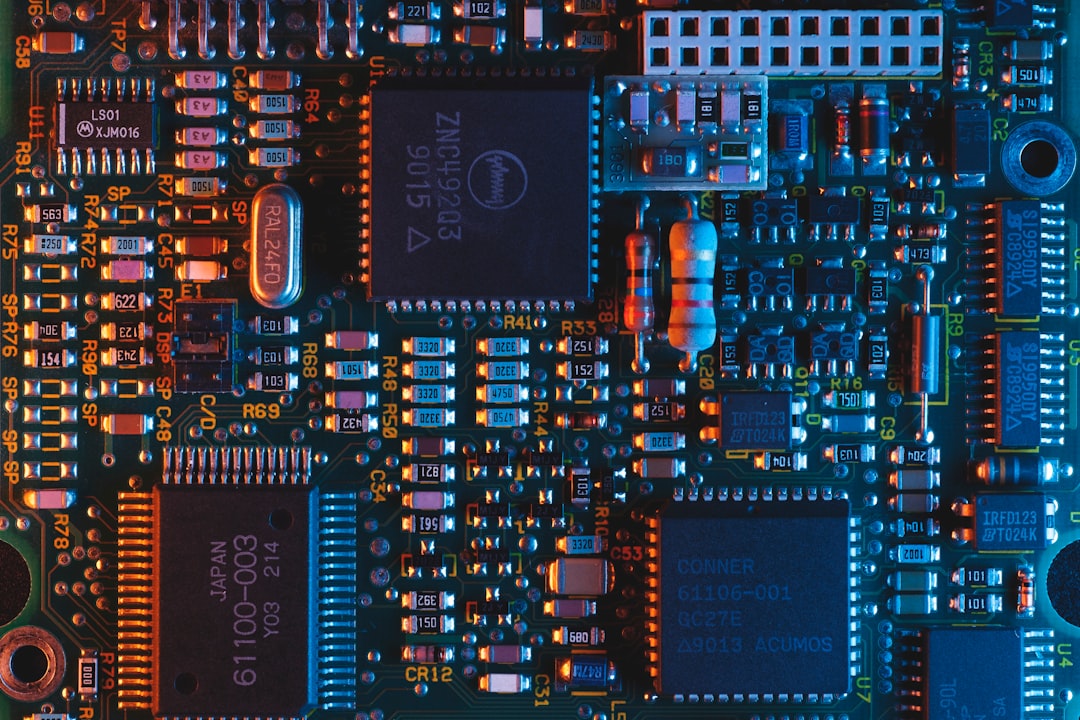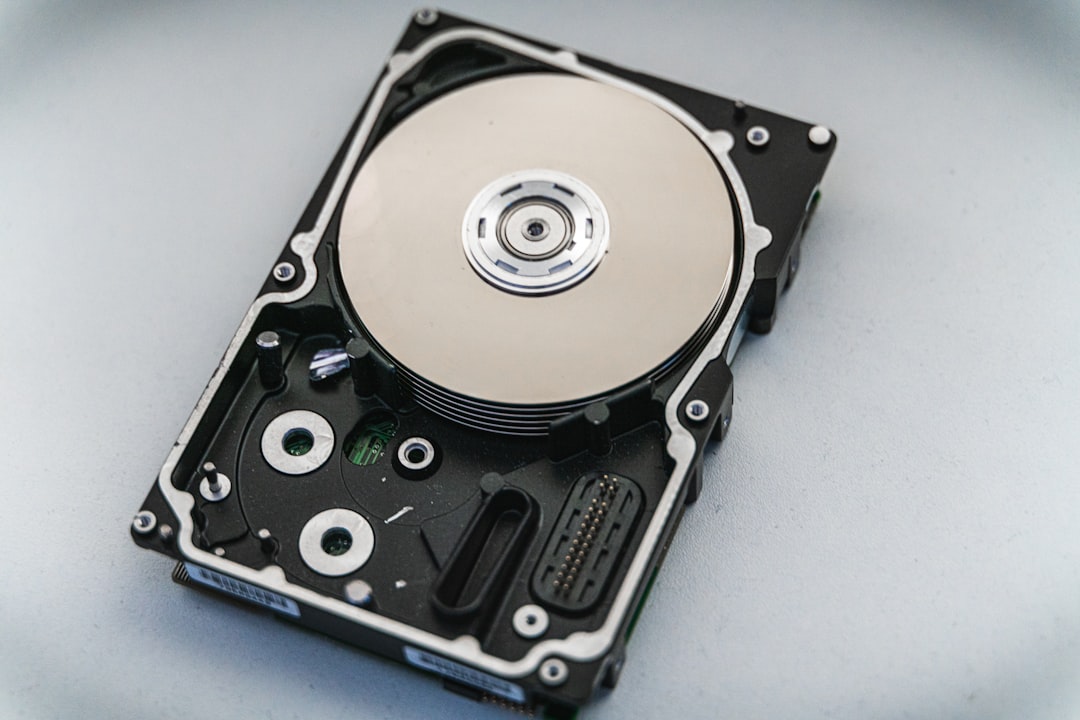
Data loss from Solid State Drives (SSDs) can be a daunting experience. Unlike traditional Hard Disk Drives (HDDs) with their spinning platters and moving parts, SSDs operate on a different principle, utilizing integrated circuits to store and retrieve data. This fundamental difference influences how data is managed and, consequently, how it can be recovered. When files vanish from our SSDs, it’s not a case of a needle skipping on a record; it’s more akin to a digital circuit becoming unresponsive. This article will guide us through the landscape of SSD data recovery, exploring the common causes of data loss and the systematic approaches we can employ to retrieve our precious files.
To effectively navigate the complexities of SSD data recovery, we must first understand the underlying mechanisms that lead to data loss. SSDs employ a type of memory called NAND flash, which has a finite lifespan measured in write cycles. This inherent characteristic, while enabling incredible speed and durability, also presents unique challenges when data recovery is required.
The Magic and Mystery of NAND Flash Memory
NAND flash memory stores data in blocks and pages. Unlike HDDs where data can often be overwritten and then meticulously recovered, SSDs employ sophisticated wear-leveling algorithms and garbage collection processes. These are like intelligent librarians constantly reorganizing books on shelves to ensure even usage and prevent any single shelf from becoming overly worn.
Wear Leveling: Distributing the Burden
Wear leveling ensures that the workload is distributed evenly across all NAND flash blocks. This prevents specific blocks from reaching their endurance limit prematurely, thereby extending the SSD’s lifespan. However, this process can sometimes make it more challenging to trace and recover deleted data. When a file is “deleted,” the SSD doesn’t immediately obliterate the data. Instead, it marks the space as available for overwriting. Wear leveling and garbage collection can then overwrite this space with new data, effectively making the original data irretrievable without specialized tools.
Garbage Collection: The Digital Housekeeping
Garbage collection is another crucial background process in SSDs. It consolidates valid data from blocks that contain invalid (deleted) data into new blocks. The blocks containing only invalid data are then erased and made available for new writes. This process is vital for maintaining SSD performance, but it can also mean that the physical location of our deleted files is constantly shifting and being repurposed.
Common Culprits Behind SSD Data Loss
Several factors can contribute to data loss from an SSD, ranging from accidental deletion to hardware failures. Understanding these common culprits will help us diagnose the problem and choose the appropriate recovery strategy.
Accidental Deletion: The Most Frequent Offender
The simplest and often most common cause of data loss is accidental deletion. We might inadvertently press the delete key, empty the Recycle Bin without realizing the significance of certain files, or format a drive thinking it’s an external backup. In these scenarios, the data is typically marked for deletion rather than being immediately erased, offering a window for recovery.
File System Corruption: A Glitch in the Matrix
The file system is the organizational structure that tells the operating system where files are located on the drive. Corruption of the file system can make files inaccessible, even though the data itself might still reside on the drive. This can happen due to sudden power outages during write operations, software bugs, or even faulty drive sectors. When the file system is corrupted, it’s like losing the index to our digital library; the books are there, but we don’t know how to find them.
SSD Failure: When the Engine Stops
SSDs, like any electronic device, can fail. This can be due to hardware defects, controller issues, or reaching the end of their operational lifespan. A failing SSD might exhibit symptoms such as slow performance, unresponsiveness, or the drive not being recognized by the operating system at all. A complete hardware failure often renders DIY recovery impossible, necessitating professional intervention.
Firmware Issues: A Software Hiccup in the Hardware
The firmware is the low-level software that controls the SSD’s operations. Bugs or corruption in the firmware can lead to various problems, including data corruption and inaccessibility. While less common than other causes, firmware issues can be particularly challenging to diagnose and resolve.
The Pillars of Data Recovery: DIY vs. Professional Services
When faced with data loss, we generally have two primary avenues: attempting to recover the data ourselves or enlisting the help of professional data recovery services. The choice between these options depends on the severity of the data loss, our technical expertise, and the value of the lost data.
DIY Data Recovery: Empowering Yourself
For less severe cases, such as accidental deletion or minor file system corruption, we can often achieve successful recovery by utilizing specialized software. This approach is generally more cost-effective and allows us to maintain control over the recovery process.
Data Recovery Software: The Digital Scalpel
Data recovery software works by scanning the SSD for remnants of deleted files. These tools bypass the operating system’s file allocation table, which marks deleted files as available space, and directly analyze the raw data on the drive. They are like digital archaeologists, sifting through the layers of data to unearth what has been buried.
Choosing the Right Software: A Crucial First Step
The market is flooded with data recovery software. When selecting a tool, consider its compatibility with your operating system, the file types it supports, and its reputation. Free versions often have limitations on the amount of data that can be recovered, while paid versions offer more comprehensive features. Look for software with a user-friendly interface and a clear recovery process.
The Process of Software-Based Recovery: A Step-by-Step Guide
- Stop Using the SSD Immediately: This is the most critical step. Any new data written to the SSD can overwrite the lost files, making them permanently gone. Think of it as stopping further excavation once you’ve discovered a potential artifact.
- Connect the SSD to Another Computer (if possible): If the SSD is the primary boot drive and is malfunctioning, it’s best to connect it as a secondary drive to another working computer. This prevents the operating system from attempting to write to the troubled drive.
- Install and Run Data Recovery Software: Install your chosen software on the working computer. Then, point the software to scan the affected SSD.
- Perform a Deep Scan: A quick scan might miss fragmented or overwritten data. A deep scan analyzes the entire drive sector by sector, taking longer but yielding better results.
- Preview and Recover Files: The software will present a list of recoverable files. Preview them to ensure their integrity before initiating the recovery process.
- Save Recovered Files to a Different Drive: Never save recovered files back to the same SSD you are recovering from, as this can overwrite other recoverable data. Save them to a separate external hard drive or another partition.
Tips for Maximizing DIY Recovery Success: Wisdom from the Trenches
- Act Swiftly: The sooner you attempt recovery, the higher your chances of success.
- Avoid Further Writes: Resist the urge to install software or save new files to the affected SSD.
- Be Patient: Deep scans can take a considerable amount of time, especially on larger drives.
- Understand the Limitations: DIY recovery is not always successful, particularly in cases of severe hardware failure.
Professional Data Recovery Services: The Specialists at Work
When DIY methods prove insufficient, or if the SSD exhibits signs of severe hardware failure, professional data recovery services become the next logical step. These services employ specialized hardware, cleanroom environments, and expert technicians to tackle even the most challenging data loss scenarios.
When to Call in the Experts: Recognizing the Tipping Point
- Physical Damage to the SSD: If the SSD has suffered physical trauma (e.g., dropped, water damage), DIY attempts are usually futile and can worsen the situation.
- SSD Not Recognized by the BIOS/OS: If the computer doesn’t even detect the SSD, it indicates a deeper hardware issue that requires specialized tools.
- Controller Failure: The SSD controller is the brain of the drive. If it fails, the drive becomes inert.
- Suspected Firmware Corruption or Bad Sectors: For complex issues with the drive’s internal workings, professionals have the tools to diagnose and potentially repair these problems.
- Critical Data: If the lost data is irreplaceable and has significant financial or personal value, professional services offer the highest probability of recovery.
The Professional Recovery Process: A Glimpse Behind the Curtain
Professional data recovery labs employ a multi-stage process:
- Initial Diagnosis: Upon receiving the drive, technicians perform a thorough diagnosis to determine the cause of data loss and the likelihood of successful recovery. This often involves using specialized diagnostic equipment.
- Cleanroom Environment: For physical repairs, drives are often opened in a cleanroom to prevent even microscopic dust particles from contaminating the delicate components.
- Component-Level Repair: If the SSD has a faulty component (e.g., controller chip), technicians may attempt to repair or replace it using advanced soldering techniques and specialized parts.
- Image Creation: A bit-by-bit image of the failing drive is created. This is a perfect replica of the data, allowing recovery attempts to be performed on the image rather than the original drive, minimizing further stress on the failing hardware.
- Logical Recovery: With specialized software and hardware solutions, technicians work to overcome file system corruption or logical errors to access the raw data.
- Data Extraction and Verification: Once data is accessible, it is extracted and organized. The recovered files are then verified for integrity.
- Secure Data Return: Recovered data is typically returned on a new external storage device.
Avoiding the Pitfalls: Prevention is Key
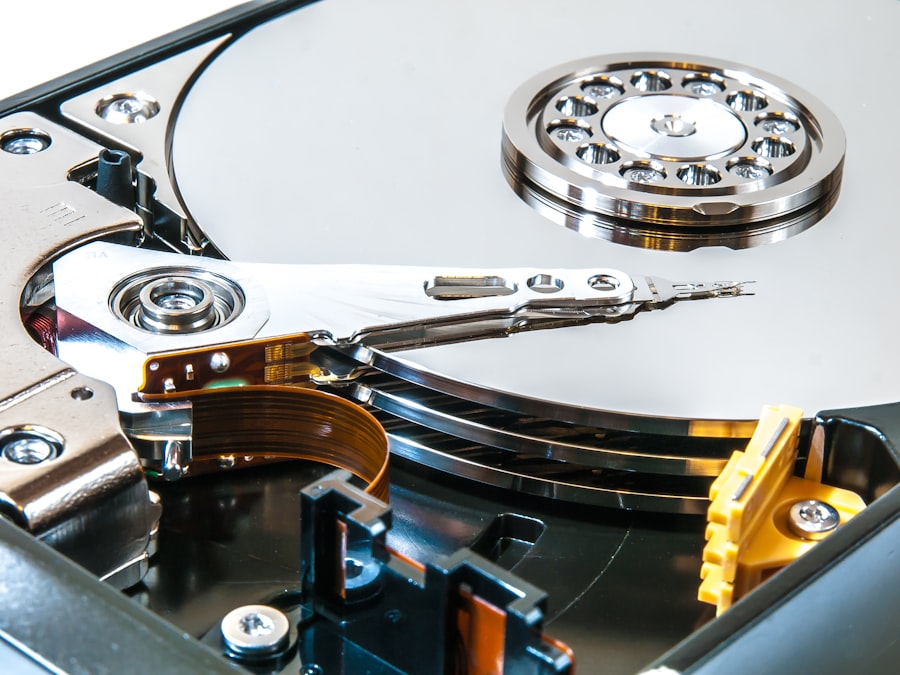
While understanding recovery methods is crucial, preventing data loss in the first place is always the most effective strategy. Implementing robust backup routines and practicing good data management habits can save us from the stress and potential cost of data recovery.
The Unbreakable Chain: Building a Robust Backup Strategy
Backups are our digital safety net. Without them, we are vulnerable to the unpredictable nature of technology. A comprehensive backup strategy involves backing up important data regularly and storing those backups in multiple locations.
The 3-2-1 Backup Rule: A Golden Standard
This widely recommended rule suggests keeping:
- 3 copies of your data: The original and two backups.
- 2 different types of media: For example, an external hard drive and cloud storage.
- 1 copy offsite: In case of local disaster (fire, theft).
Cloud Storage: The Ever-Present Guardian
Cloud storage services offer a convenient and often automated way to back up our files. Services like Google Drive, Dropbox, and OneDrive synchronize our files to remote servers, making them accessible from any internet-connected device and providing an offsite backup.
External Hard Drives: The Dependable Workhorses
External hard drives remain a popular and reliable method for creating local backups. They offer significant storage capacity at a relatively low cost. However, they are susceptible to physical damage and theft, underscoring the importance of the 3-2-1 rule.
Healthy Habits for Your SSD: Nurturing Your Digital Engine
Beyond backups, certain practices can help maintain the health and longevity of our SSDs, reducing the likelihood of premature failure.
Avoiding Abrupt Power Interruptions: The Shock to the System
Sudden power outages can be particularly detrimental to SSDs. During write operations, unsaved data can be corrupted. Using a reliable Uninterruptible Power Supply (UPS) can provide a buffer during power fluctuations, allowing for a graceful shutdown.
Minimizing Defragmentation: A Misconception for SSDs
Unlike HDDs, SSDs do not benefit from defragmentation. In fact, defragmenting an SSD can actually reduce its lifespan by unnecessarily increasing write cycles. Modern operating systems are designed to manage SSDs optimally, so manual defragmentation is best avoided.
Monitoring SSD Health: Knowing When to Listen
Many SSD manufacturers provide utility software that allows us to monitor the health of the drive, including its S.M.A.R.T. (Self-Monitoring, Analysis, and Reporting Technology) status. Keeping an eye on these metrics can provide early warnings of potential issues.
When Data Loss is Inevitable: Mitigating the Damage
Despite our best efforts, data loss can still occur. In such situations, understanding how to mitigate further damage and prepare for recovery is essential.
The “Don’t Touch” Rule: Preserve the Evidence
As emphasized earlier, once you suspect data loss, the most important action is to cease all operations on the affected SSD. This includes shutting down the computer if the SSD is the primary drive and avoiding any attempts to save new files or install new software. Every moment of inactivity on the drive increases the chances of recovery.
Documenting the Situation: Creating a Trail of Clues
Before contacting professional services or embarking on a DIY recovery mission, it’s beneficial to document the situation as thoroughly as possible. This includes:
- What happened leading up to the data loss? (e.g., accidental deletion, error message, sudden shutdown)
- What are the symptoms of the SSD? (e.g., slow performance, not detected, beeping sounds)
- What have you already tried? (e.g., running chkdsk, using recovery software)
This information can be invaluable to data recovery specialists, helping them to diagnose the problem more quickly and efficiently.
Understanding the Likelihood of Recovery: Setting Realistic Expectations
It’s important to approach data recovery with realistic expectations. Not all data loss situations are recoverable. Factors such as the age and type of SSD, the nature of the failure, and previous recovery attempts can all influence the outcome. Professional services can provide a more accurate assessment of recovery probabilities after their initial diagnosis.
The Technological Frontier: Future of SSD Data Recovery
| Metric | Description | Typical Value/Range | Notes |
|---|---|---|---|
| Data Recovery Success Rate | Percentage of recoverable data from failed SSDs | 60% – 90% | Depends on failure type and SSD model |
| Common Failure Causes | Primary reasons for SSD data loss | Controller failure, firmware corruption, NAND wear-out | Wear-leveling and TRIM affect recovery |
| Average Recovery Time | Time taken to recover data from SSD | 4 – 48 hours | Varies with damage severity and data size |
| Data Loss Types | Types of data loss scenarios | Logical errors, physical damage, firmware issues | Logical errors easier to recover than physical |
| Recovery Software Compatibility | Support for SSD brands and file systems | Supports NTFS, FAT32, exFAT, APFS, ext4 | Some software specialized for SSDs |
| Impact of TRIM Command | Effect of TRIM on data recovery feasibility | Significant reduction in recoverable data | TRIM erases deleted data blocks immediately |
| Cost Range for Professional Recovery | Typical cost for SSD data recovery services | 100 – 1500 | Depends on complexity and data volume |
The landscape of data storage and recovery is constantly evolving. As SSD technology advances, so too do the methods and challenges associated with data recovery.
The Rise of NVMe and Beyond: New Challenges and Innovations
The advent of NVMe (Non-Volatile Memory Express) SSDs has pushed performance boundaries even further. These drives communicate directly with the CPU via the PCIe bus, offering significantly higher speeds. However, their complexity also introduces new layers of challenges for data recovery. New extraction techniques and specialized hardware are continuously being developed to address these advancements.
Advanced Encryption and its Impact: A Double-Edged Sword
Full-disk encryption, while crucial for data security, complicates data recovery efforts. If the encryption key is lost or the drive fails in a way that compromises the encryption, recovering the data can become exceptionally difficult, sometimes impossible without the key. This underscores the absolute necessity of secure key management.
Machine Learning and AI in Data Recovery: The Intelligent Approach
The application of machine learning and artificial intelligence is beginning to make inroads into data recovery. These technologies can analyze vast amounts of data to identify patterns, predict failure points, and optimize recovery algorithms, potentially leading to faster and more successful recoveries in the future.
In conclusion, data loss from SSDs, while initially unsettling, is a problem with a range of solutions. By understanding the unique characteristics of SSD technology, employing diligent backup practices, and knowing when to seek professional help, we can navigate these challenges and safeguard our invaluable digital information. The journey from data loss to data retrieval is often one that requires patience, a methodical approach, and, in some cases, the expertise of seasoned digital archaeologists and technicians.